
July 29, 2024
What Is the Best CRM for Your Business in 2026?
Discover our comparison of the best CRMs for 2026 and find the solution best suited to your customer relationship management needs.
July 29, 2024
Discover our comparison of the best CRMs for 2026 and find the solution best suited to your customer relationship management needs.
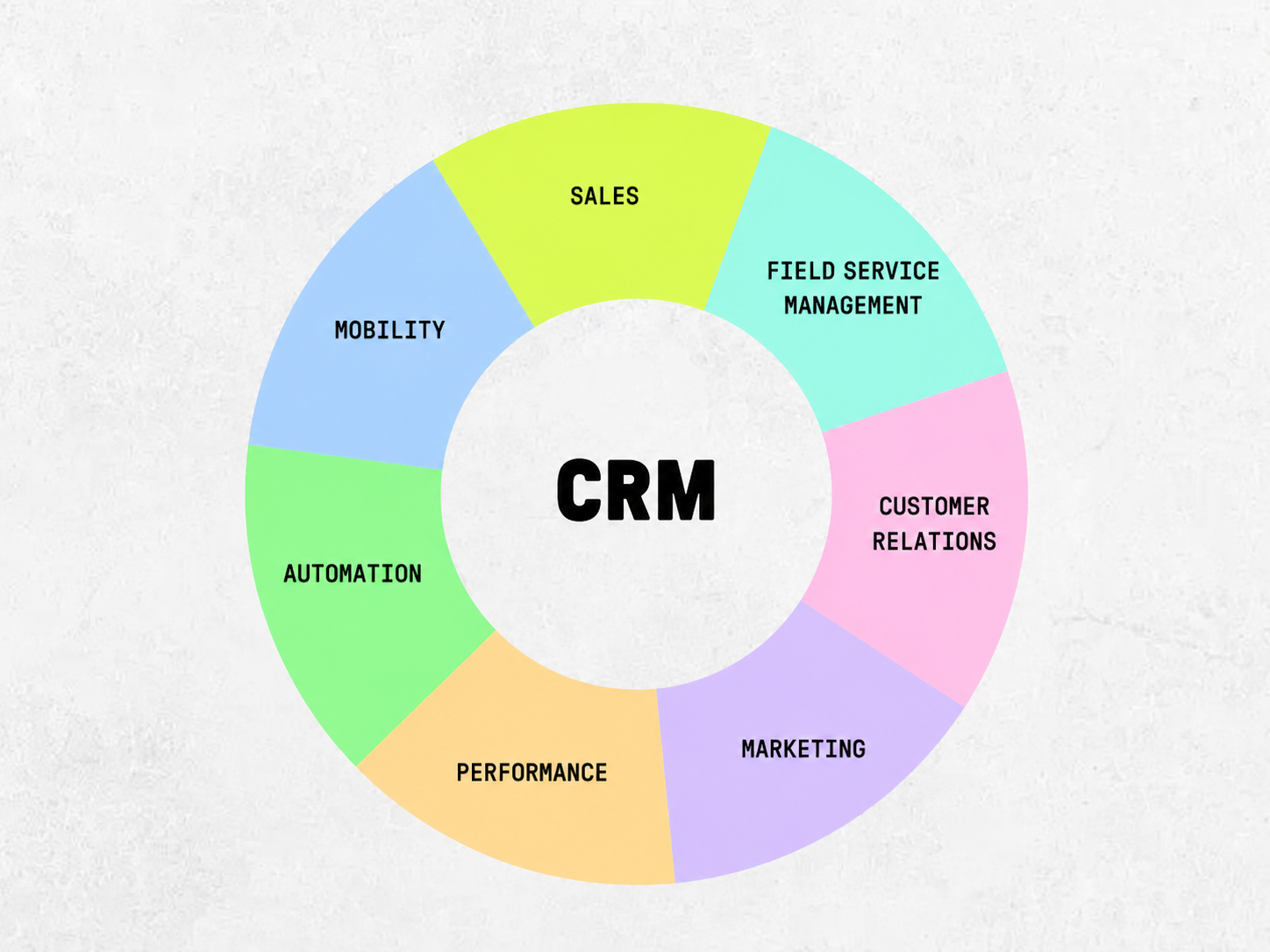
In 2026, improving the customer experience is impossible without a solid CRM — a customer relationship management platform that centralizes all information, interactions and sales opportunities.
With the proliferation of channels, artificial intelligence and ABM-type strategies, the CRM has become the central solution for driving sales, internal collaboration and pipeline management.
But with so many applications on the market, choosing the right CRM for your business is no easy task. We've put together a quality comparison of the best CRMs in 2026, with concrete criteria to compare features, and recommendations by company size (SMB, startup or enterprise).
CMO, marketer, founder or team member at a small company? You're in the right place to find a scalable, intuitive CRM that's easy to deploy. :)
CRM = Customer Relationship Management
A B2B CRM is no longer just a contact database. It's a strategic tool at the heart of growth: pipeline management, automation, marketing/sales alignment, hyper-personalization — in short, the backbone of your organization for optimizing customer relationships and resource management. For leaner structures, a simple CRM (e.g. for SMBs or small businesses) must remain easy to use while delivering top sales CRM features: a clear pipeline, tasks, reminders, and board views.
A modern CRM platform fulfills three key functions:
1. Generative AI enters the CRM
The most advanced CRM software now leverages AI to:
2. Explosion of channels to synchronize
The CRM must orchestrate an omnichannel strategy: phone, email, WhatsApp, LinkedIn, chat, events… Robust CRM solutions synchronize these touchpoints (web, mobile) and expose stable APIs; several French and challenger CRMs like Youday CRM or YellowBox CRM offer native connectors and mobile apps.
3. GDPR: growing compliance requirements
GDPR compliance is becoming a decisive criterion:
💡 Watch out: some US-based CRMs don't guarantee data sovereignty. Use the free trial to test GDPR configuration, pricing terms (per user per month vs. annual billing), and mobile app usability.
A poorly chosen CRM means wasted time (and money), scattered customer data, and demotivated teams. CMOs now expect a CRM solution that's easy to use, scalable, with an intuitive interface, a reliable mobile app, marketing automation features, and transparent pricing (per user per month, annual billing options, free trial when available). For small businesses, a simple CRM should cover contact management, sales pipeline, quotes/invoices and messaging — without complex configuration.
Too many tools remain siloed. A good CRM in 2026 must:
If marketers and salespeople aren't speaking the same language, you have two parallel systems — not a CRM.
Automate without rigidity:
⚙ Example: a lead downloads content → automatic follow-up → task created if email opened.
The CRM must generate visible results, not just collect information.
Key expected indicators:
Compare channels, campaign rankings, won/lost opportunities.
Assess the impact of AI-powered automations (lead prioritization, personalized content).
Onboarding criteria:
To scale without surprise:
Before deciding, watch a demo, read reviews and test the free trial. In a French context, also evaluate a French CRM (e.g. Sellsy, Axonaut) based on your preferred vendor and financial/commercial needs.
Choosing a CRM is investing in a tool that must evolve with your needs. In 2026, there are many platforms but they're not all equal. Here are the 6 criteria you can't afford to overlook.
It should be quick to get up to speed on — simplify, not complicate. The interface must be smooth, intuitive and customizable by role.
Test for:
It must connect with your existing tools:
📌 Check whether integrations are native (a direct, official and often optimized connection with another tool, like HubSpot ↔ Gmail) or via third-party connectors (requiring an external platform like Zapier, Make, n8n…).
A good CRM adapts to your structure without rebuilding everything:
Watch out for hidden fees and unexpected price hikes. In 2026, pricing models vary:
Examples: HubSpot, Zoho
Pros: Fast start with no upfront cost.
Cons: Limited features in the free version.
Example: Pipedrive
Pros: You only pay for what you use.
Cons: Cost can scale quickly with headcount.
Example: Axonaut
Pros: Simple, all-in-one offering.
Cons: Less flexible than other models.
✅ Check: total cost over 12 months, module access, customer support.
The best CRMs reduce manual work and boost performance — AI should augment your teams, not replace them:
A CRM is also about the team behind the tool:
Should you choose an open source CRM for more freedom, or a proprietary one for more comfort?
Customization freedom: Very high — the code is open and can be adapted to your needs.
Data hosting: Your responsibility — you manage your own server or infrastructure.
Learning curve: More technical, often requires IT skills.
Base cost: Low to zero for the license.
Maintenance: Handled internally or by an external provider.
Customization freedom: Moderate to high, depending on the vendor's options.
Data hosting: Included, typically on the vendor's cloud.
Learning curve: Smoother and more intuitive for users.
Base cost: Variable, depending on subscriptions and chosen modules.
Maintenance: Managed by the vendor or an authorized third party.
[rta-block=folder-cta][rta-title=h3]Want to learn more about your CRM potential?[rta-title=h3][rta-btn=regular href="/prendre-rendez-vous-typeform" target=_blank]Get a free audit[rta-btn=regular][rta-block=folder-cta]
Key features: Inbound marketing, email automation, forms, scoring, live chat.
Target audience: Startups, SMBs and mid-market.
Average price: Free, then from ~€50/user/month with paid modules.
Pros: Very intuitive interface, powerful freemium model, extensive educational content.
Cons: Advanced modules can be expensive and the platform grows complex as it scales.
Key features: Full CRM, deep customization, AI (Einstein), ABM account management.
Target audience: Large enterprises and multinationals.
Average price: From ~€100/user/month.
Pros: Extremely customizable, rich ecosystem, very robust solution.
Cons: High cost, long deployment, often requires a dedicated admin.
Key features: Email, automation, reporting, mobile app.
Target audience: SMBs and budget-conscious companies.
Average price: From €14/user/month.
Pros: Excellent value for money, modular and mobile-friendly.
Cons: Interface can feel less polished; support could be better.
Key features: CRM, invoicing, accounting, visual pipeline, automated follow-ups.
Target audience: French SMBs.
Average price: From €30/user/month.
Pros: French tool, all-in-one, good customer support.
Cons: Less suited to large organizations.
Key features: Visual pipeline, simple automations, clear reporting.
Target audience: SMBs and field sales teams.
Average price: From €21/user/month.
Pros: Very clear interface, fast to get up to speed.
Cons: Limited marketing features.
Key features: CRM, invoicing, HR, accounting.
Target audience: Freelancers, micro-businesses, small SMBs.
Average price: €49/month (unlimited users).
Pros: Simple pricing, complete tool, GDPR-compliant.
Cons: Limited customization, limited advanced APIs.
Key features: Pipeline tracking, project management.
Target audience: Agencies and hybrid teams.
Average price: From €10/user/month.
Pros: Very visual, flexible, good value for money.
Cons: Limited automations, expect a learning curve.
Key features: Lead management, sales prospecting.
Target audience: Sales reps, SDRs, sales teams.
Average price: From €12/user/month.
Pros: Fast, prospecting-focused, no unnecessary bloat.
Cons: Few marketing features, limited integrations.
Key features: CRM, customer support, tickets, built-in phone.
Target audience: B2B customer service teams.
Average price: From €19/user/month.
Pros: Ideal for aligning sales and support.
Cons: Limited marketing orientation, limited customization.
Key features: CRM + ERP, full Microsoft 365 integration, built-in AI.
Target audience: Large enterprises and mid-market.
Average price: From €60/user/month.
Pros: Native integration with the Microsoft ecosystem, powerful for complex projects.
Cons: Dense interface, requires IT support.
Strong growth — worth watching:
Essential as they've become, CRMs are far from perfect. Behind attractive interfaces, some tools still have legal, functional or strategic limitations you shouldn't overlook.
Many US-based CRMs (HubSpot, Salesforce, Pipedrive…) host their data outside the EU, exposing companies to sovereignty and compliance risks.
Check before committing:
💡 A "GDPR-compliant" CRM isn't enough. It must prove it contractually and technically.
Despite progress, some pain points remain:
Make sure to compare what's included by default, and the real price of "must-have" modules.
A good CRM structures the work but doesn't necessarily give salespeople the tools to sell better, persuade, or improve. Hence the "blurry line": some companies think a CRM is enough, when they actually also need a sales enablement tool to multiply sales effectiveness.
Both solutions allow you to track prospects and sales opportunities.
➡️ Classic CRM: Yes ✅
➡️ Sales Enablement: Yes ✅
CRMs sometimes include some sales documents, but Sales Enablement tools go much further by centralizing all collateral (presentations, case studies, scripts, etc.).
➡️ Classic CRM: Partial ⚠️
➡️ Sales Enablement: Yes ✅
CRMs don't typically offer coaching or voice analysis. Sales Enablement does, to continuously train and support reps.
➡️ Classic CRM: No ❌
➡️ Sales Enablement: Yes ✅
CRMs focus on data management, while Sales Enablement tools provide playbooks, talk tracks and interview guides.
➡️ Classic CRM: No ❌
➡️ Sales Enablement: Yes ✅
CRMs don't analyze sales conversations. Sales Enablement, powered by AI, can decode exchanges to identify best practices and improvement areas.
➡️ Classic CRM: No ❌
➡️ Sales Enablement: Yes, with AI ✅
There's no universal CRM. A 5-person startup has very different needs from a 300-person mid-market company. The right choice depends on your size, structure, and short- and long-term objectives.
Small structures need speed, intuitiveness and controlled costs. The CRM must be operational quickly, with no heavy technical lift.
Look for:
We recommend Pipedrive, Zoho CRM, Axonaut or Sellsy.
At this level, the stakes are different: multi-team management, high data volumes, strict GDPR compliance, complex integrations, etc.
Look for:
Look at Salesforce, Microsoft Dynamics 365, HubSpot (Enterprise tier)
Young companies need a CRM that's fast to deploy, connected to their growth stack, and flexible. The goal: generate revenue without drowning in tools.
Look for:
Look at HubSpot, Folk.app, Zoho CRM, Monday Sales CRM
A good CRM can't be evaluated on a product page — it must be tested in real-world conditions. Before choosing, test the key features, the usage logic, and team adoption.
Pros: Free offer with no time limit, ideal for testing at your own pace.
Cons: Features are restricted, often requiring an upgrade for full usage.
Pros: Access to all premium features for a set period, enabling full product evaluation.
Cons: Time-limited (often 7–30 days) and sometimes commercial pressure at the end.
Activate the trial at the right moment, with a team ready to test seriously.
✅ Simulate a typical week: lead creation, follow-up, outreach, reporting
✅ Have different profiles test it: salesperson, marketer, manager
✅ Identify pain points: slowness, gaps, unintuitive actions
In 2026, choosing the right B2B CRM means laying the foundation for structured, data-driven growth aligned with your objectives. Whether it's centralizing leads, automating campaigns or boosting sales, the right tool will make all the difference.
Test, compare, involve your teams… and invest in a CRM that truly supports you — not just one that promises everything.
Lorem ipsum
.jpeg)
Writer at Bulldozer, he covers web scraping, UGC and no-code, mixing data, storytelling and SEO.
Can't find what you're looking for ? Contact us here
jordan@bulldozer-collective.comGet access to playbooks and feedback from those who are shaping the next wave of marketing and AI.